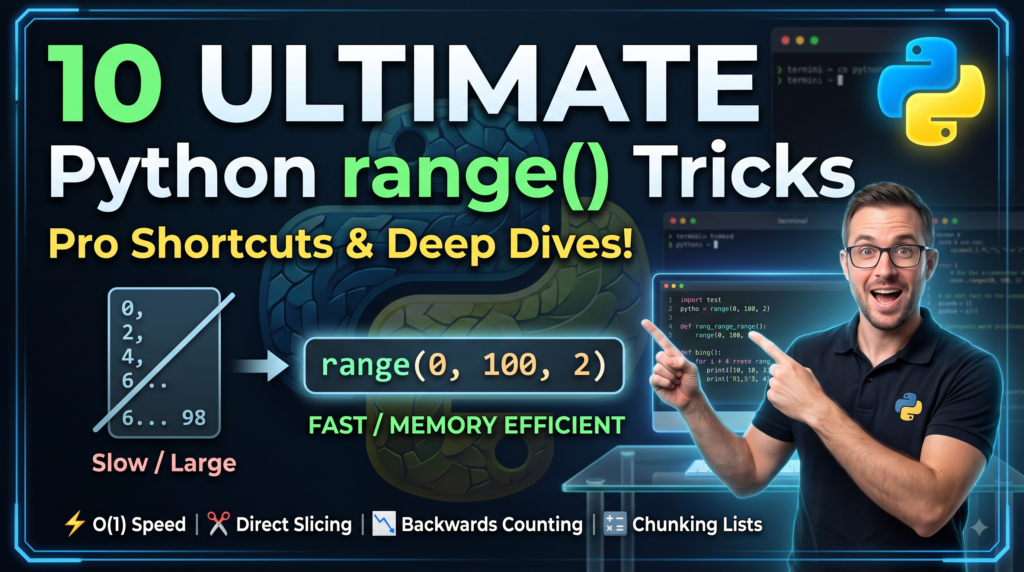

When beginners learn Python, range() is usually one of the first functions they encounter. It seems simple enough: range(10) gives you numbers from 0 to 9.
However, under the hood, range() is not a generator, nor is it a list—it is a highly optimized, immutable sequence type. Mastering its advanced patterns and lesser-known shortcuts can drastically simplify your code, save memory, and eliminate unnecessary loops.
Here are 10 modern Python range() shortcuts and deep-dive tricks to write cleaner, faster, and more Pythonic code.
1. Zero-Memory Indexing & Slicing
Most developers know you can slice a list, but few realize you can slice a range() object directly without executing a loop or generating a list.
The Trick
Python
# Create a range of 1 million elements
r = range(0, 1_000_000, 2)

# Slice it directly
sub_r = r[1000:5000:5]

print(sub_r)        # Output: range(2000, 10000, 10)
print(sub_r[4])     # Output: 2040
Why It Works
In Python 3, range objects implement the Sequence ABC (Abstract Base Class). When you slice a range, Python calculates the new start, stop, and step values using $O(1)$ constant time arithmetic. It doesn’t create elements in memory; it merely computes the bounds for the new range instantly.
2. $O(1)$ Ultra-Fast Membership Testing (in)
Checking if an item exists inside a list takes $O(N)$ linear time. Doing the same check with a range object runs in $O(1)$ time complexity, regardless of whether the range spans 10 numbers or 10 billion numbers.
The Trick
Python
huge_range = range(0, 100_000_000_000, 3)

# Executes in nanoseconds!
print(99_999_999_999 in huge_range)  # False
print(99_999_999_996 in huge_range)  # True
Why It Works
Python does not iterate through the range to look for the element. Instead, it uses a quick mathematical formula:
- Checks if
valueis betweenstartandstop. - Checks if
(value - start) % step == 0.
3. Negative Stepping for Clean Reversals
Instead of using reversed(range(...)) or converting ranges to lists, you can step backward using negative integer values.
The Trick
Python
# Countdown from 10 down to 1
for i in range(10, 0, -1):
    print(i, end=" ")
# Output: 10 9 8 7 6 5 4 3 2 1
⚠️ Common Pitfall: To reach
0when counting backward, your stop argument must be-1. To stop at1, your stop argument must be0.
4. Floating-Point Ranges with itertools.count
A well-known limitation of range() is that it only accepts integers. Passing floats raises a TypeError.
The Shortcut
Use itertools.count combined with zip or list comprehension, or leverage modern range() scaling arithmetic.
Python
import itertools

# Method A: Infinite float generator bounded by zip
def float_range(start, stop, step):
    for i in itertools.count():
        curr = start + i * step
        if curr >= stop:
            break
        yield round(curr, 10)

print(list(float_range(0.0, 1.0, 0.2)))
# Output: [0.0, 0.2, 0.4, 0.6, 0.8]
5. Chunking Lists with range() Step
Need to split a massive dataset into fixed-size batches (chunks) for processing or API payloads? range() makes this trivial without requiring heavy third-party libraries.
The Trick
Python
data = [1, 2, 3, 4, 5, 6, 7, 8, 9, 10]
chunk_size = 3

chunks = [data[i : i + chunk_size] for i in range(0, len(data), chunk_size)]

print(chunks)
# Output: [[1, 2, 3], [4, 5, 6], [7, 8, 9], [10]]
6. Pairing Elements via Index Offsets
When you need to process adjacent pairs in a sequence (e.g., comparing point $A$ to point $B$), avoid managing explicit pointer variables.
The Trick
Python
prices = [100, 102, 101, 105, 108]

# Calculate day-over-day price changes
diffs = [prices[i] - prices[i - 1] for i in range(1, len(prices))]

print(diffs)  # Output: [2, -1, 4, 3]
7. Replacing Range Loops with enumerate() & zip()
One sign of beginner code is overusing range(len(sequence)) to loop through items by their index. Python offers cleaner, more expressive built-ins.
Refactoring Pattern
❌ Unpythonic:
Python
items = ["apple", "banana", "cherry"]
for i in range(len(items)):
    print(i, items[i])
✅ Pythonic (Enumerate):
Python
for i, item in enumerate(items):
    print(i, item)
✅ Pythonic Parallel Iteration (Zip):
Python
names = ["Alice", "Bob"]
scores = [85, 92]

for name, score in zip(names, scores):
    print(f"{name}: {score}")
8. Instant Sequence Comparisons
Because range objects represent exact mathematical sequences, two range objects are equal if they yield the exact same sequence of numbers—even if their parameters are different!
The Trick
Python
r1 = range(0, 0)
r2 = range(10, 5)        # Empty range
r3 = range(0, 10, 20)    # Yields only [0]
r4 = range(0, 1, 5)      # Yields only [0]

print(r1 == r2)  # True (both are empty)
print(r3 == r4)  # True (both evaluate to sequence [0])
9. Creating Grid Coordinates with itertools.product
Nested range() loops create deep indentation (the “Pyramid of Doom”). Flatten multi-dimensional loops cleanly using itertools.product.
The Trick
❌ Nested Loops:
Python
for x in range(3):
    for y in range(3):
        print(f"Point: ({x}, {y})")
✅ Flattened Shortcut:
Python
from itertools import product

for x, y in product(range(3), range(3)):
    print(f"Point: ({x}, {y})")
10. range() Property Inspection
range objects expose read-only attributes (start, stop, step) that let you inspect or pass range boundaries without recalculating them.
The Trick
Python
def process_bounds(r: range):
    print(f"Processing from {r.start} to {r.stop} in increments of {r.step}")

my_range = range(5, 50, 5)
process_bounds(my_range)
# Output: Processing from 5 to 50 in increments of 5
Quick Reference Summary
| Feature | list / Conventional Loop | range() Shortcut |
| Memory Usage | Scales with $N$ elements | $O(1)$ Constant memory |
| Membership Check | $O(N)$ linear scan | $O(1)$ mathematical check |
| Slicing | Copies underlying data | Creates a new sub-range instance |
| Multi-dimensional | Deep nested loops | Combine with itertools.product |
Conclusion
Python’s range() function is far more powerful than a simple counter for for loops. By leveraging its sequence capabilities, $O(1)$ operations, and integration with itertools, you write cleaner, faster, and significantly more memory-efficient code.